Custom Activity & Expense Types: Categories, Not Descriptions
Should I create a new "type" every time I do something specific for a case, or is that not what it's for?
What a Type Is For
Activity types (File Review, Deposition Preparation, Trial Testimony, and so on) and expense types (Travel, Copying, Filing) are reusable categories. Each activity type carries its own hourly rate in My Practice, pre-fills automatically on new cases, and is what your reports and time totals get grouped by. You'll use the same handful of types across every case you ever work, for years.
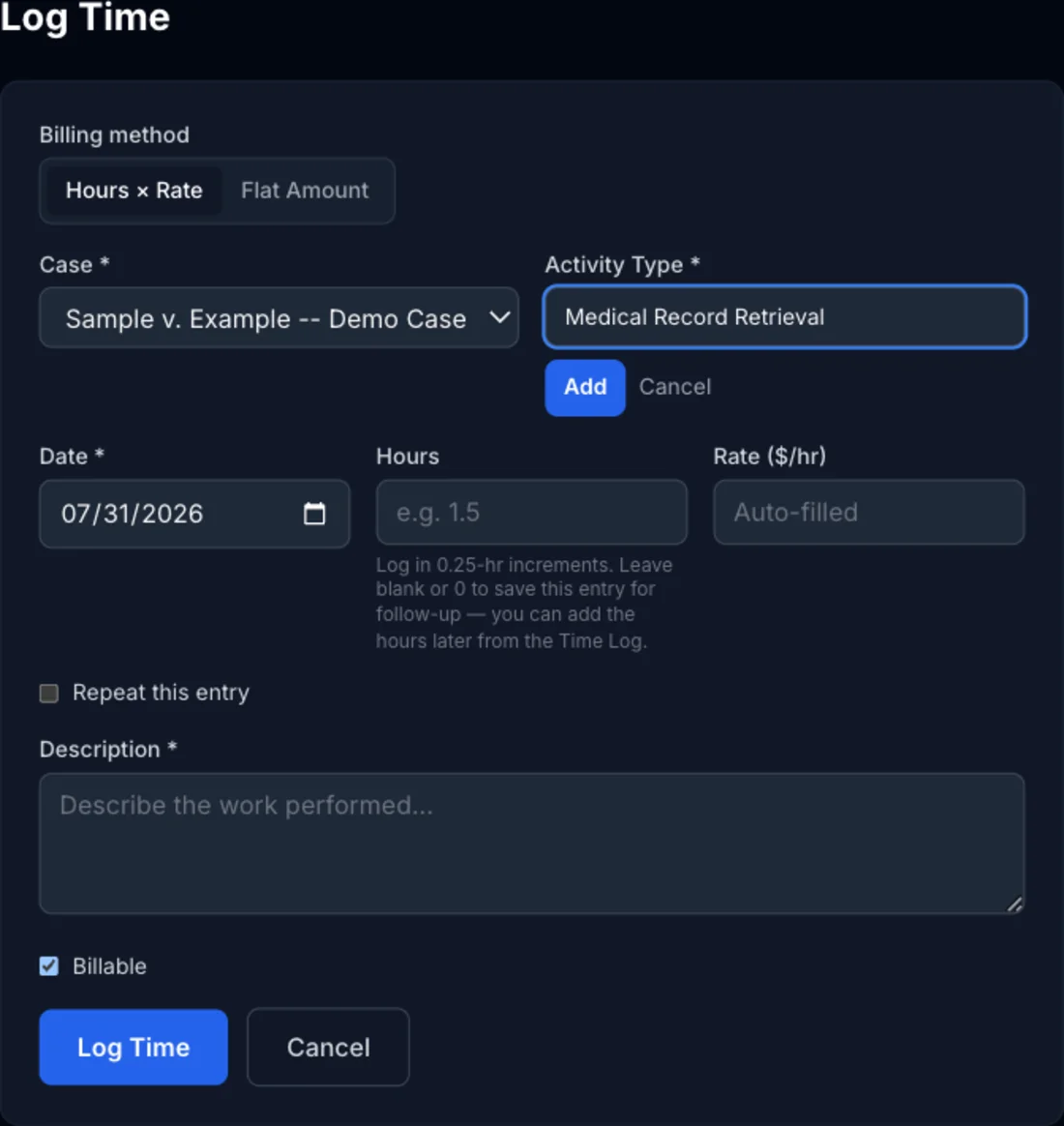
You can add your own when the built-in list doesn't cover something you do regularly — a specialty like Medical Record Retrieval, or an expense type like Court Filing Fees. Once created, a custom type behaves exactly like a built-in one: it gets its own rate, its own row in My Practice, and it's available on every future case.
A Common Mistake
Because the "+ Add custom type..." option is right there in the same dropdown, it's tempting to use it for something that's really a one-off detail aboutthis entry — typing a case-specific note into the type field instead of picking an existing category:
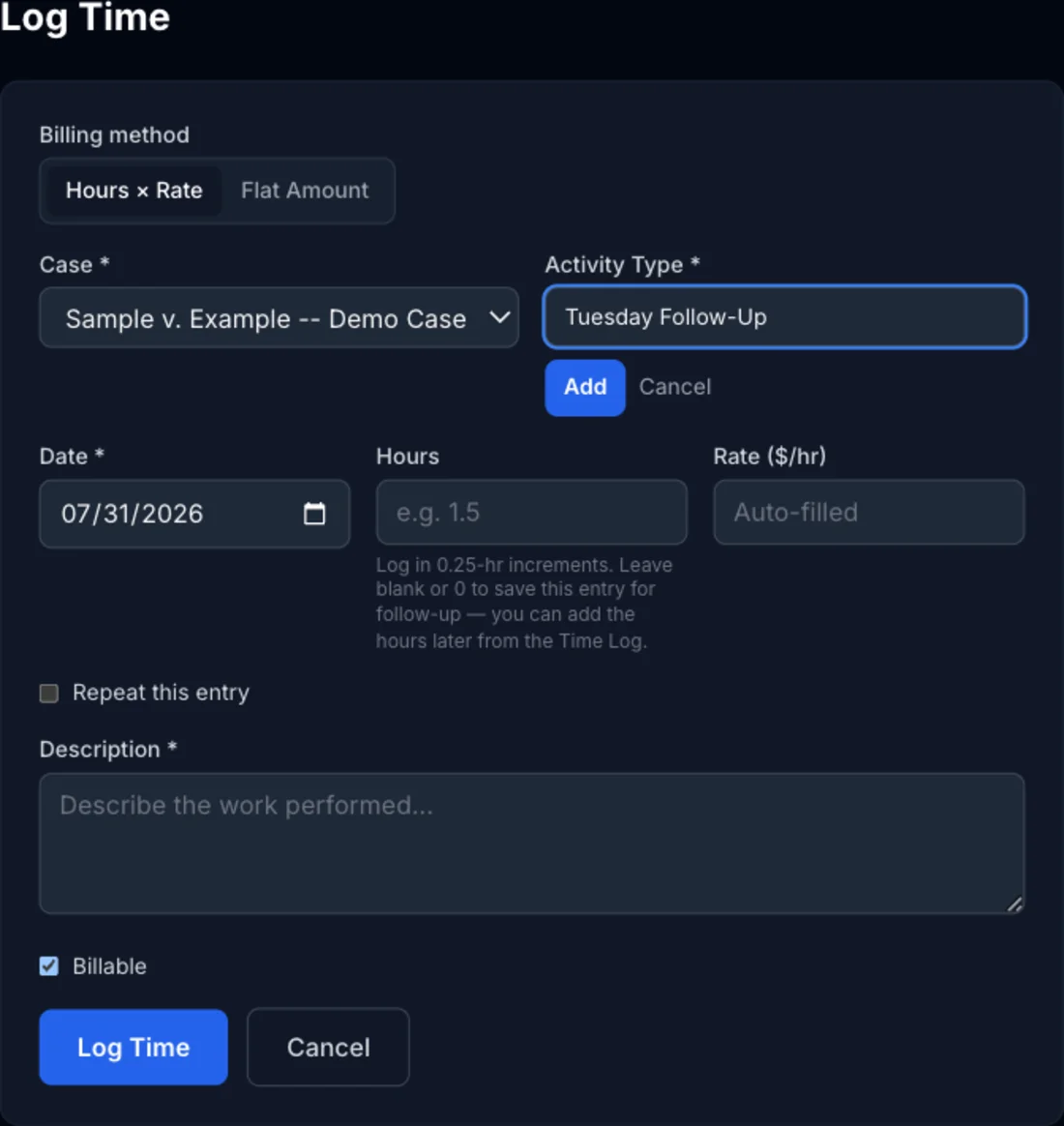
Don't do this. A type like "Tuesday Follow-Up" only ever applies to one entry, so it won't have a meaningful rate, it clutters the dropdown for every future case, and it fragments your reporting — that work no longer rolls up under File Review with everything else you've billed the same way.
What Goes in the Description Instead
Every time entry already has a Description field made for exactly this — the case-specific detail of what you actually did. Pick the reusable category for Activity Type, then put the specifics in Description:
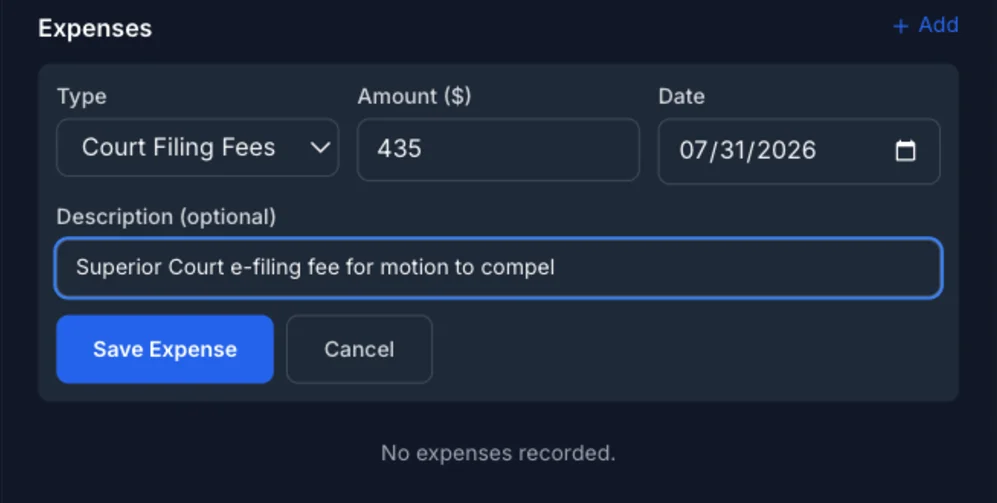
Same principle for expenses — Type is the reusable category (Travel, Court Filing Fees), and the optional Description field is where the one-off detail belongs:
A Quick Test Before You Create One
Before clicking "+ Add custom type...", ask: will I use this exact type again on other cases? If yes, it's a real category — create it. If the answer is "no, this only applies to what I'm doing right now," it belongs in the description field instead, under whichever existing type it's closest to.
Custom types can be renamed or deleted anytime from My Practice → Rates (for activity types) or My Practice → Expense Types — renaming updates every existing entry that used it, so a type you set up wrong isn't stuck that way.